Email is a fundamental communication tool for businesses and individuals alike. But it’s also a prime target for cybercriminals. Cyberattacks are increasing in sophistication. This means enhancing your email security has never been more critical.
Ninety-five percent of IT leaders say cyberattacks have become most sophisticated. Over half (51%) have already seen AI-powered attacks in their organization.
By taking proactive measures, you can protect your sensitive information as well as prevent unauthorized access and maintain communication integrity. Here are six simple steps to enhance your email security.
1. Use Strong, Unique Passwords
Passwords are the first line of defense for your email accounts. A weak password is like an open invitation for cybercriminals. To enhance your email security, use strong, unique passwords. Ones that are difficult to guess.
Create Complex Passwords
A strong password should include a mix of:
- Letters (both uppercase and lowercase)
- Numbers
- Special characters
Avoid using common words or phrases. Also, avoid easily guessable information like your name or birthdate. A complex password makes it harder for attackers to gain access to your email account.
Use a Password Manager
Remembering several complex passwords can be challenging. A password manager can help you generate and store unique passwords for all accounts. With a password manager, you only need to remember one master password. This simplifies the process while enhancing security.
Avoid Reusing Passwords
Using the same password across many accounts increases your risk. If one account gets compromised, all accounts using the same password are vulnerable. Make sure each of your email accounts has a unique password. This prevents a single breach from spreading.
2. Enable Two-Factor Authentication (2FA)
Two-factor authentication (2FA) adds an extra layer of security to your email accounts. Even if someone gets hold of your password, they won’t be able to access your account. They would need the second factor of authentication to do that.
Choose a 2FA Method
Common 2FA methods include SMS codes, authenticator apps, and hardware tokens. SMS codes send a verification code to your phone. Authenticator apps generate time-sensitive codes on your device. Hardware tokens provide physical devices that generate a code. Choose the method that best suits your needs.
Set Up 2FA for All Accounts
Enable 2FA for all your email accounts. Most email providers offer this feature and setting it up usually takes just a few minutes. This simple step significantly improves your email security.
3. Be Cautious with Email Attachments and Links
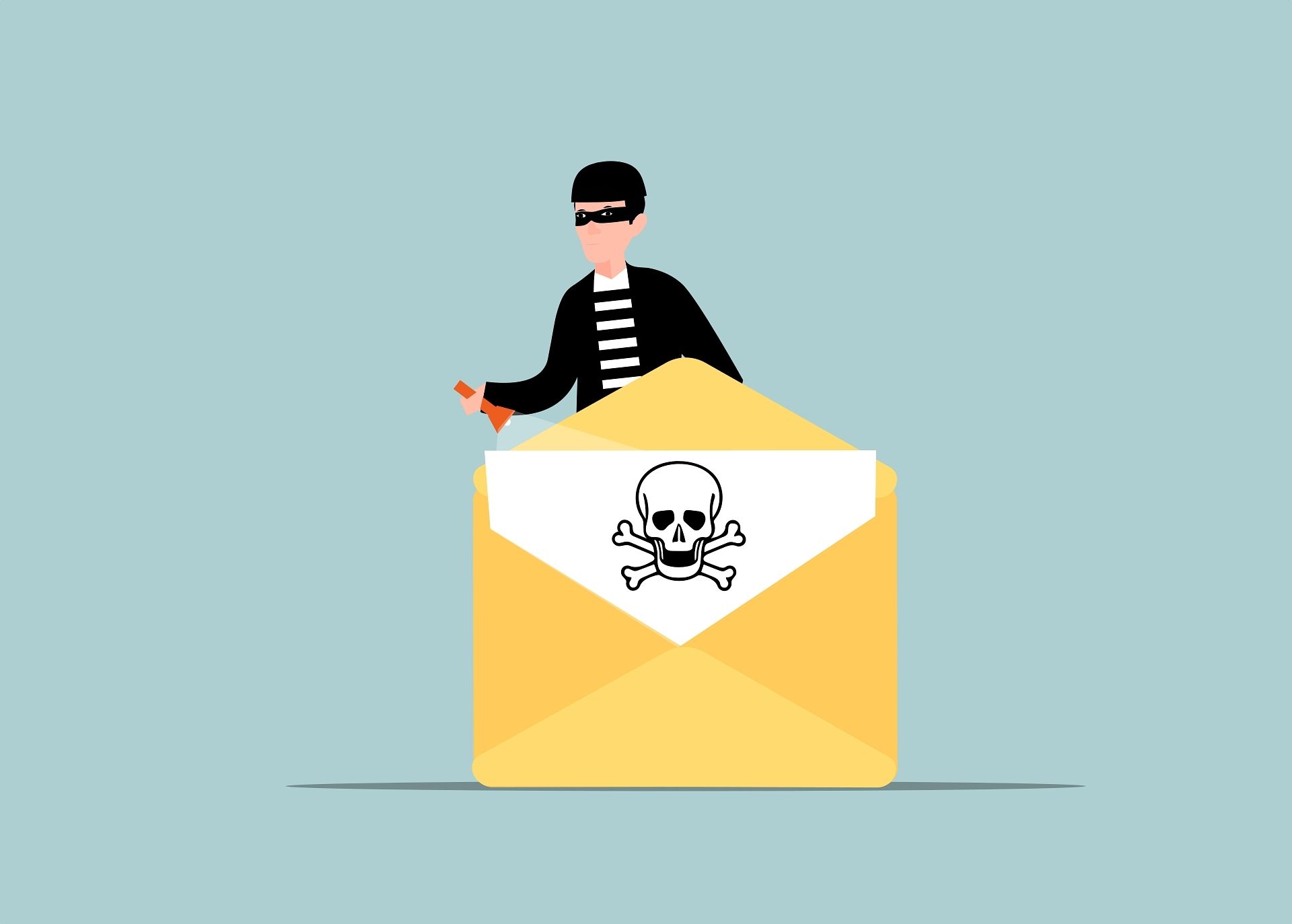
Email attachments and links are common vectors for malware and phishing attacks. Clicking on a malicious link or attachment can give attackers access to your system. Exercise caution to protect your email security.
Verify the Sender
Before opening an attachment or clicking on a link, verify the sender’s identity. If you receive an unexpected email from someone you know, contact them. But do it through a different channel to confirm they sent it. For emails from unknown senders, exercise extra caution. Consider not engaging with the content.
Scan Attachments
Use antivirus software to scan email attachments before opening them. This helps detect and block any malicious content before it can harm your system. Many email providers also offer built-in scanning features. But having your antivirus software adds an extra layer of protection.
Avoid Clicking on Suspicious Links
Be wary of links that seem out of place or too good to be true. Hover over the link to see the URL before clicking. If the URL looks suspicious or unfamiliar, don’t click on it. Instead, navigate to the site directly through your browser.
4. Keep Your Email Software Updated
Software updates often include security patches that address vulnerabilities in your email client. Keep your email software updated. This ensures you have the latest protections against known threats.
Enable Automatic Updates
Most email clients and operating systems offer automatic updates. Enable this feature. It ensures your software stays up to date without requiring manual intervention. Automatic updates reduce the risk of missing critical security patches.
Regularly Check for Updates
Even with automatic updates enabled, it’s good to manually check for updates. This ensures you don’t miss any important security patches. It also helps keep your email client running smoothly and securely.
5. Use Encryption for Sensitive Emails
Encryption adds a layer of protection to your emails. It encodes the content, making it readable only by the intended recipient. This ensures that even intercepted email information remains secure.
Encrypt Emails Containing Sensitive Information
If you need to send sensitive information via email, use encryption. This protects the content. Many email providers offer built-in encryption options. For added security, consider using third-party encryption tools that offer end-to-end encryption.
Educate Recipients
If you’re sending encrypted emails, make sure the recipients know how to decrypt them. Provide clear instructions about how to access the encrypted content securely.
6. Watch Your Email Activity
Regularly monitoring your email activity can help you detect suspicious behavior early. By keeping an eye on your account, you can take swift action if something seems off.
Set Up Activity Alerts
Many email providers offer activity alerts. They notify you of unusual login attempts or changes to your account settings. Enable these alerts to stay informed about your account’s security status.
Regularly Review Account Activity
Review your email account activity on a regular basis. This includes login history and devices connected to your account. If you notice any unfamiliar activity, change your password immediately and investigate further.
Respond Quickly to Suspicious Activity
If you detect any suspicious activity in your email account, respond quickly. Change your passwords, review your security settings, and consider enabling extra security measures.
Get Expert Email Security Solutions
Email security is essential for protecting your personal and professional information. We have solutions that can effectively reduce the potential for email compromise. As well as reduce phishing risk.
Contact us today to schedule a chat about email security.
—
Featured Image Credit
This Article has been Republished with Permission from The Technology Press.