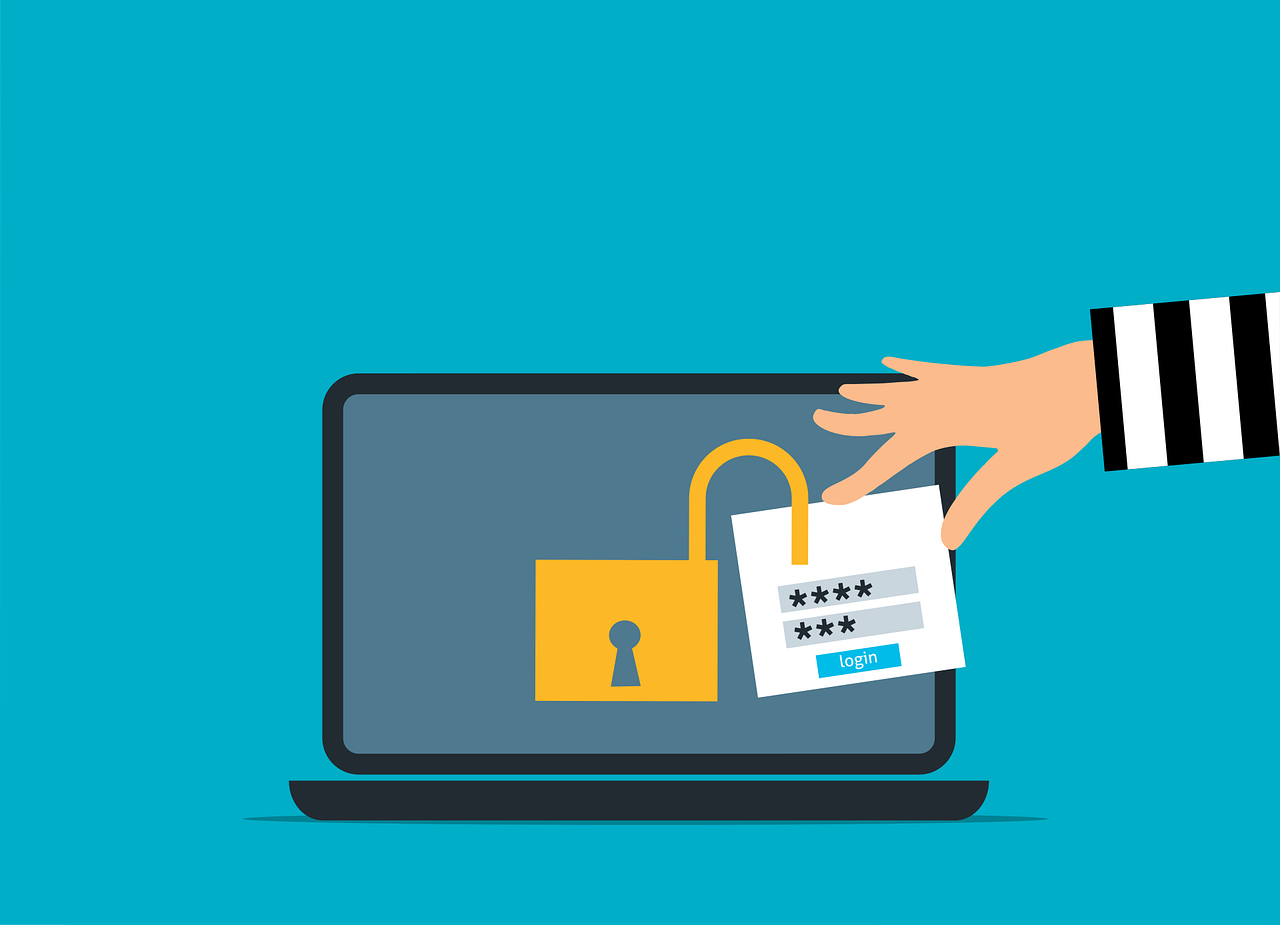
Passwords unlock our digital lives. We use them for email, bank accounts, and more.
Remembering all these passwords is hard. Password managers help us keep our accounts safe and make our lives easier.
What is a Password Manager?
A password manager keeps all your passwords in one place. Think of it as a digital safe for your login information.
You only need to remember one password, the master password. This master password lets you access all your other passwords.
Types of Password Managers
Password managers come in different forms:
- Apps you download on your phone or computer
- Tools that work in your web browser
- Some offer both options
Password managers encrypt your information strongly. When you save a password, the manager scrambles it. This makes the password unreadable to anyone who tries to steal it.
Why Use a Password Manager?
It Helps You Create Strong Passwords
Most people use weak passwords because they can remember them. But weak passwords are easy for bad guys to guess. Password managers generate long, random passwords that are hard to crack.
It Remembers Your Passwords
With a password manager, you don’t need to memorize many passwords. The tool does this for you. You can use a unique, strong password for each account without forgetting them.
It Keeps Your Passwords Safe
Password managers use high-level security to protect your data. They encrypt your passwords. Even if someone hacks the password manager company, they can’t read your information.
Features of Password Managers
Password Generation
Good password managers can create tough, unique passwords for you. They mix letters, numbers, and symbols to make passwords hard to guess.
Auto-Fill
Many password managers can fill in your login information on websites. This saves time and avoids typos.
Secure Notes
Some password managers let you store other sensitive information too. This can include credit card numbers or important documents.
Password Sharing
Some tools let you share passwords safely with family or coworkers. This helps with joint accounts or team projects.
Are Password Managers Safe?
Password managers are very secure when used correctly. They encrypt your data strongly. This means your password gets scrambled. It’s almost impossible for hackers to unscramble it without the right key.
Nothing is perfect, though. Choose a password manager with a good reputation and regular security checks.
How to Choose a Password Manager
Look for these things when picking a password manager:
Security Features
Find one with strong encryption and two-factor authentication. These features keep your information extra secure.
Ease of Use
The best password manager is one you will use. Find one that’s easy for you to understand and use.
Device Compatibility
Make sure the password manager works on all your devices. This includes your phone, tablet, and computer.
Price
Some password managers are free, while others cost money. Paid ones often offer more features. Research what you want and what you can afford.
Tips for Using a Password Manager Safely
- Create a strong master password
- Use two-factor authentication
- Never share your master password
- Update your password manager regularly
- Be careful when using password managers on other people’s computers
- Always log out when you’re done
What If You Forget Your Master Password?
Forgetting your master password is a big problem. Most password managers don’t store your master password anywhere for security reasons. Some managers offer account recovery options like security questions or a recovery key. Know what to do if you forget your master password.
Can Password Managers Be Hacked?
No system is 100% secure. Password managers can be hacked, but this rarely happens. Good password managers have emergency systems to protect your data if they’re hacked.
The biggest risks often come from user mistakes. Weak master passwords or falling for phishing attacks can put your passwords at risk. Follow good security practices to stay safe.
How Do Password Managers Compare to Browser Password Saving?
Browsers often offer to save your passwords. This is convenient but less secure than a dedicated password manager. Here’s why:
- Browsers don’t always encrypt saved passwords as strongly
- They don’t offer as many features
- They don’t work across all your devices and browsers
- They’re more vulnerable if someone gets your computer
Are Free Password Managers Enough?
Free password managers can be a good start. They offer basic features to improve your online security. Paid versions often have more features:
- Sync across more devices
- More storage for passwords and other data
- Extra features like secure file storage
- Better customer support
For most users, a free password manager works well. If you need more features or have lots of passwords, you might want a paid version.
What About Built-in Phone Password Managers?
Most smartphones have a built-in password manager. This might be good enough for some users. It’s convenient and works well with your phone. But there are some limits:
- They might not work well on different types of devices
- They have fewer features than standalone password managers
- They might not be as secure as specialized tools
Built-in tools can work for basic password management. For more advanced needs, a standalone password manager is better.
How Do Password Managers Handle Data Breaches?
Good password managers offer features to help with data breaches:
- Warnings if a site you use is compromised
- Tools to check if your passwords have leaked online
- Easy ways to change many passwords quickly
These features help you act fast if your data is in danger.
Do Password Managers Work Offline?
Many password managers can work offline. They keep an encrypted copy of your passwords on your device. This lets you view them without an internet connection. However, some features might not work offline. For example, you can’t sync new passwords across devices until you go online.
How Often Should You Change Your Passwords?
Experts used to say you should change passwords often. Now, many say strong and unique passwords are enough. You only need to change them when necessary.
Password managers make this easier. They help you create strong passwords and keep track of when you last changed them.
What’s the Future of Password Managers?
Password managers keep improving. Some new trends include:
- Login options without passwords
- Better integration with other security tools
- More use of fingerprints or facial recognition
- Advanced password sharing without showing the actual passwords
As online threats change, password managers will keep evolving to keep us safe.
Secure Your Digital Life Today
Password managers are powerful tools for online security. They make it easy to use strong, unique passwords for all your accounts. This greatly reduces your risk of a cyber attack.
Consider using a password manager today to improve your online security. If you need help choosing or setting up a password manager, ask for help. We’re here to make your digital life safer.
—
Featured Image Credit
This Article has been Republished with Permission from The Technology Press.



![⚡ THN Weekly Recap: Top Cybersecurity Threats, Tools and Tips [6 Jan]](https://encircle-it.com/wp-content/uploads/2025/02/e29aa1-thn-weekly-recap-top-cybersecurity-threats-tools-and-tips-6-jan.webp)